Original
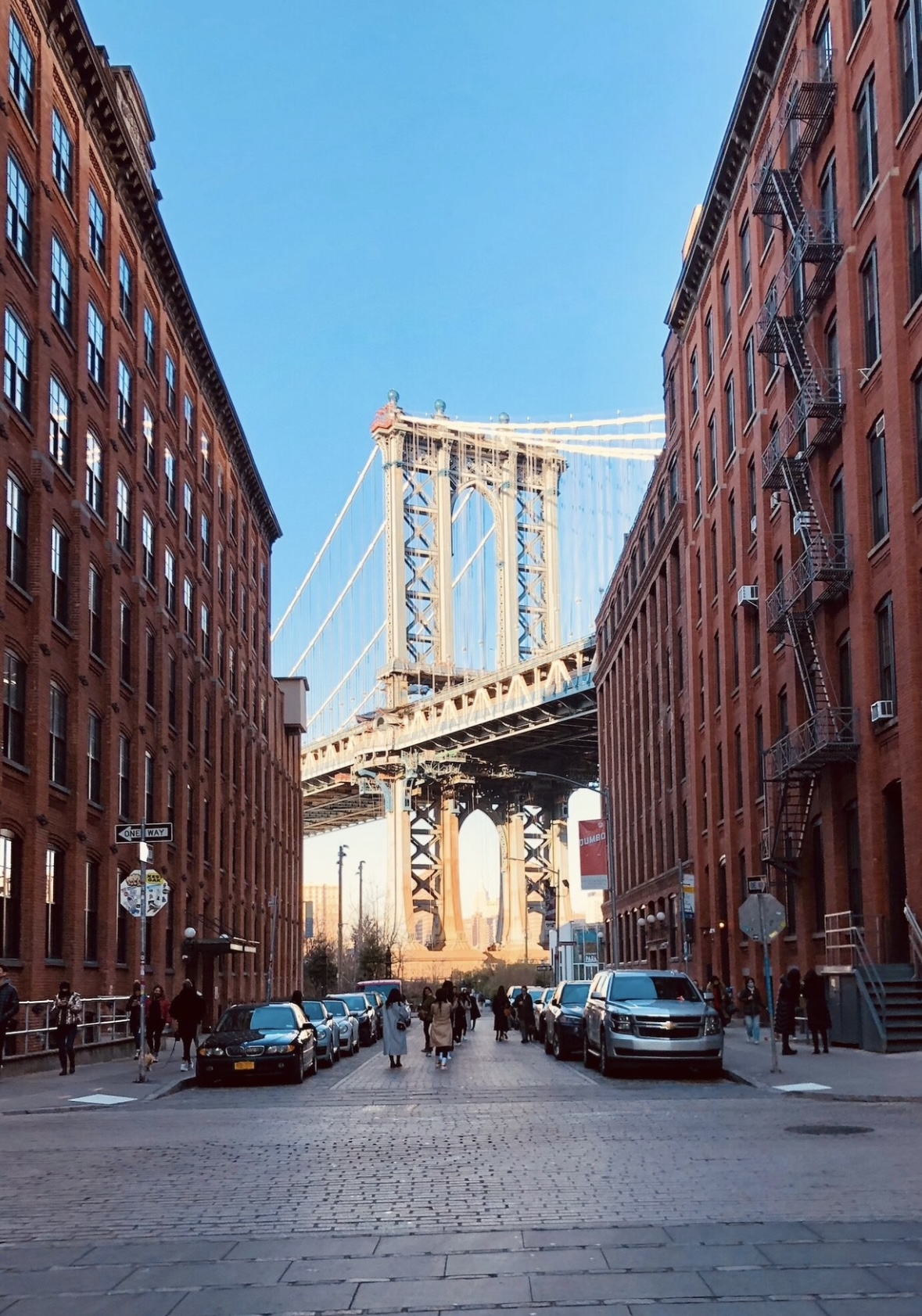
Edited
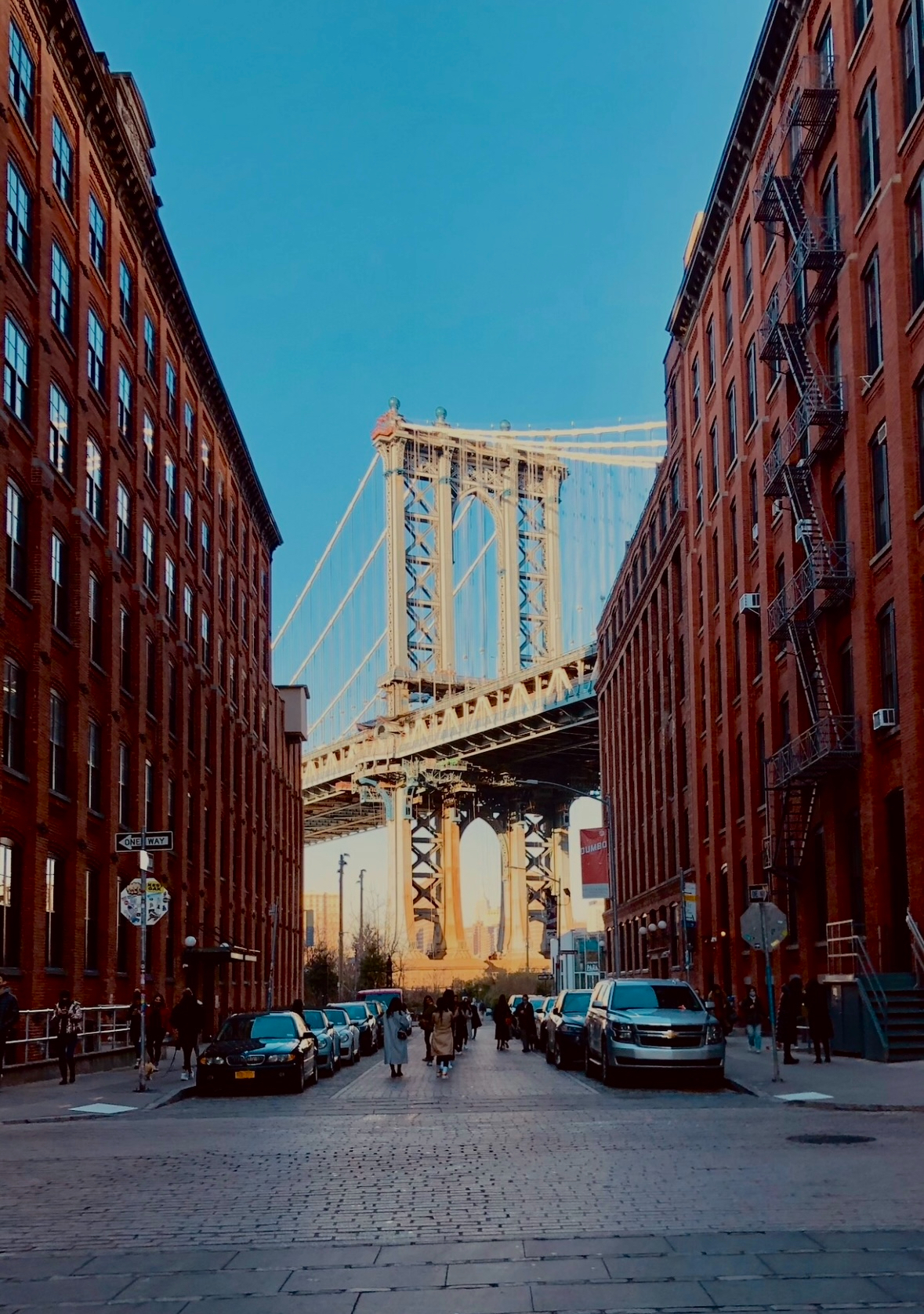
Putting It All Together
Step 8 of 9Start with Exposure
Adjust the exposure to get the overall brightness right. Don't worry about details yet—just aim for a balanced light level.
Balance Highlights and Shadows
- Bring down highlights if bright areas are blown out (like clouds or bright clothing).
- Lift shadows if details are lost in darkness (like faces or backgrounds).
Fine-tune with Contrast
After adjusting brightness, add contrast to make the image pop. This helps separate elements and improves definition.
Adjust Color
- Use warmth and tint to fix color balance and set the emotional tone.
- Boost saturation only if you need a more dramatic look (use sparingly).
Review and Tweak
Go back and forth—these tools interact! Increasing contrast might affect how shadows look, and changing saturation might shift your perceived warmth.